With "Use sales order assignment" you can assign sales orders to an employee. Click the link behind this option to assign the orders. The employees who are assigned orders must also have this option enabled. Otherwise they will still see all orders.
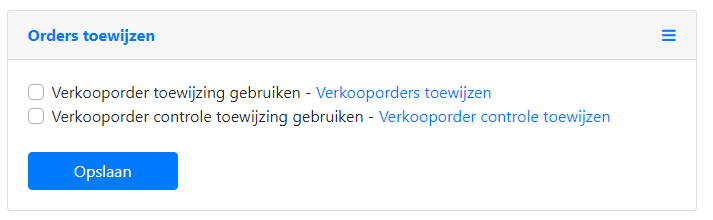
From the settings under the Order assignment tab, select Assign sales orders. There you will see an overview of all open orders. By dragging an order you can assign it to a user. This user will then only see the orders assigned to them when opening the sales order overview.
