With Exact Online premium, it is possible to set a preferred location per item. This location is also applied in the app and will be filled in as the first preference.
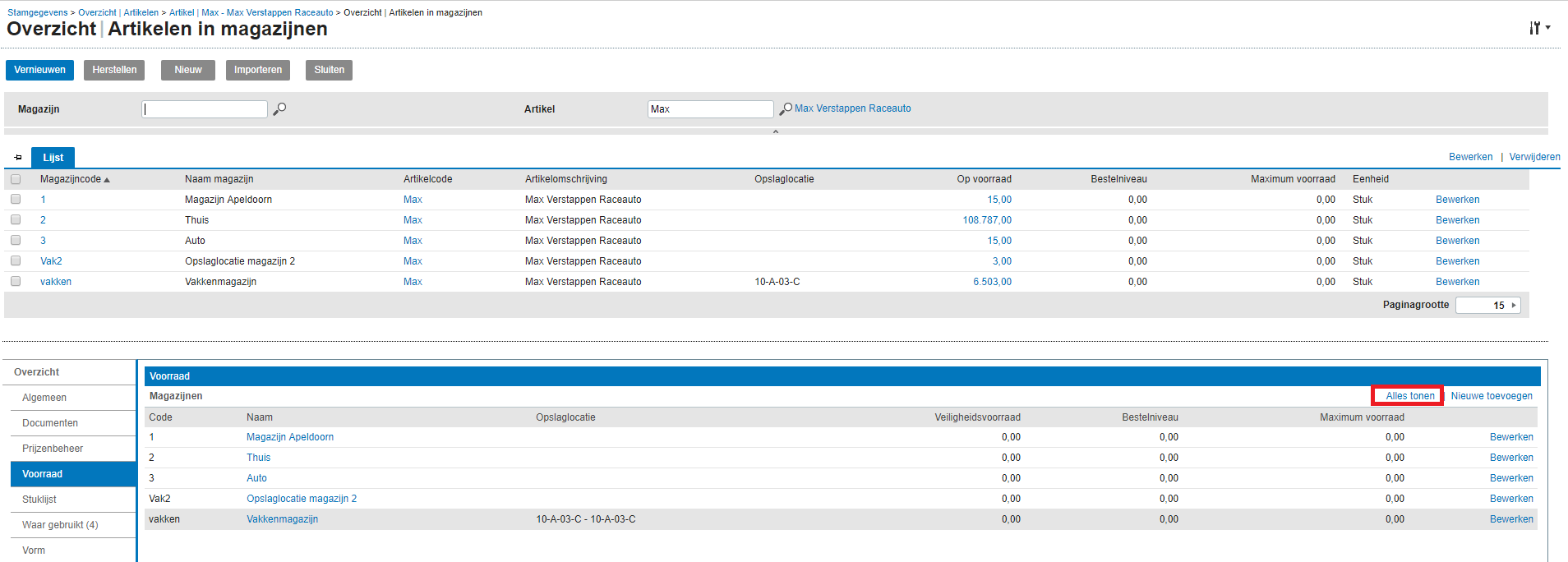
In Exact Online, go to master data –> Items –> and select the item. Then click on “Show all” under the inventory section:
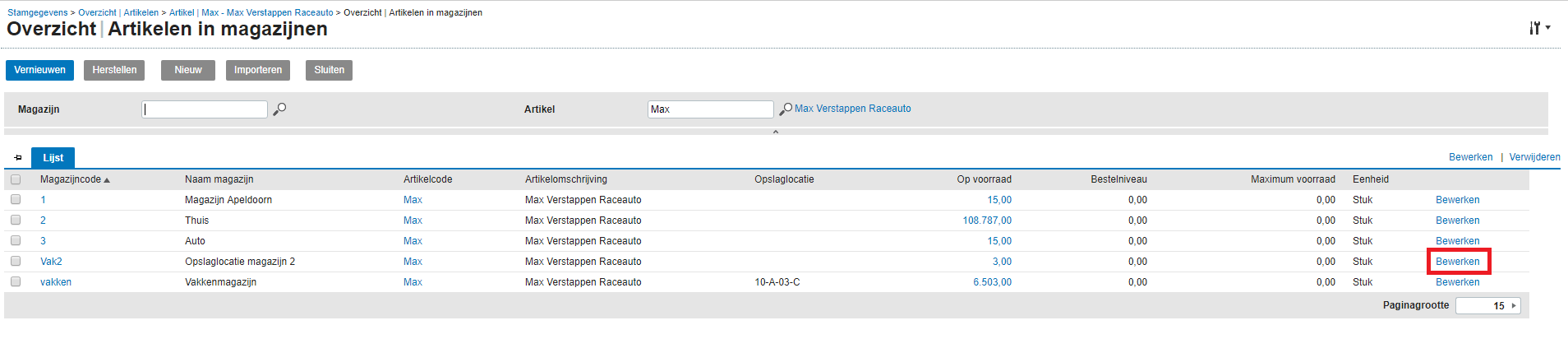
A list appears with all warehouses linked to this item. Select the warehouse and choose edit:
Then you can set the default storage location:

Save the change and refresh the full cache in the Barcode Scan App. The chosen location will now be used as the default location.